
Development
Space, air paths and installation conditions feed into the design. Planning and manufacturing work hand in hand.
A space-saving configuration for integration above a suspended ceiling. With an outdoor heat pump and air routing tailored to the operating room.
 Indoor unit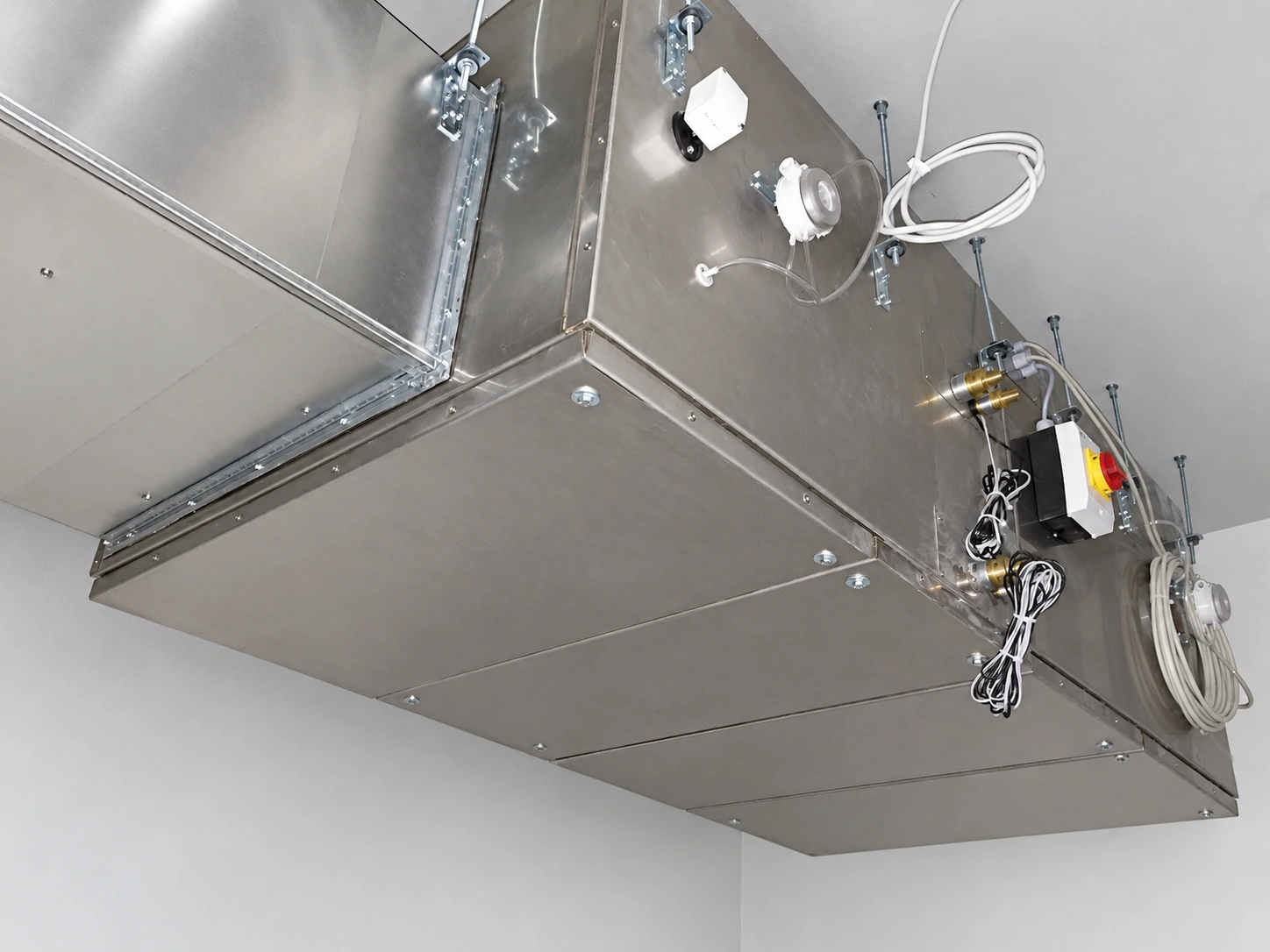
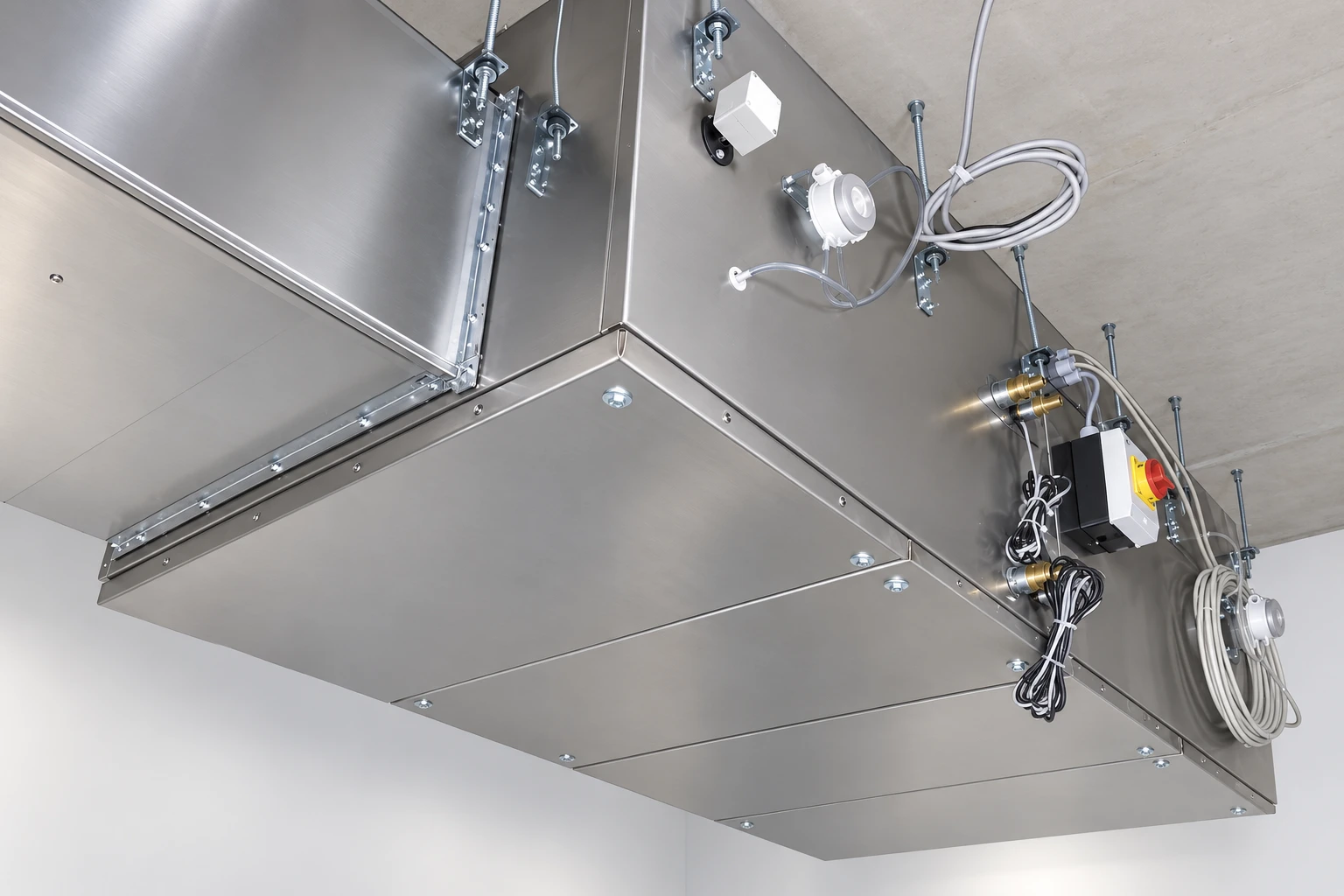
The installation view shows the suspended arrangement. Unit height, air routes and inspection access are planned together.
Installation photograph with retouched surroundings. Configuration and accessibility are project-specific.
Explore technical views ↓Select an area of the open unit view.
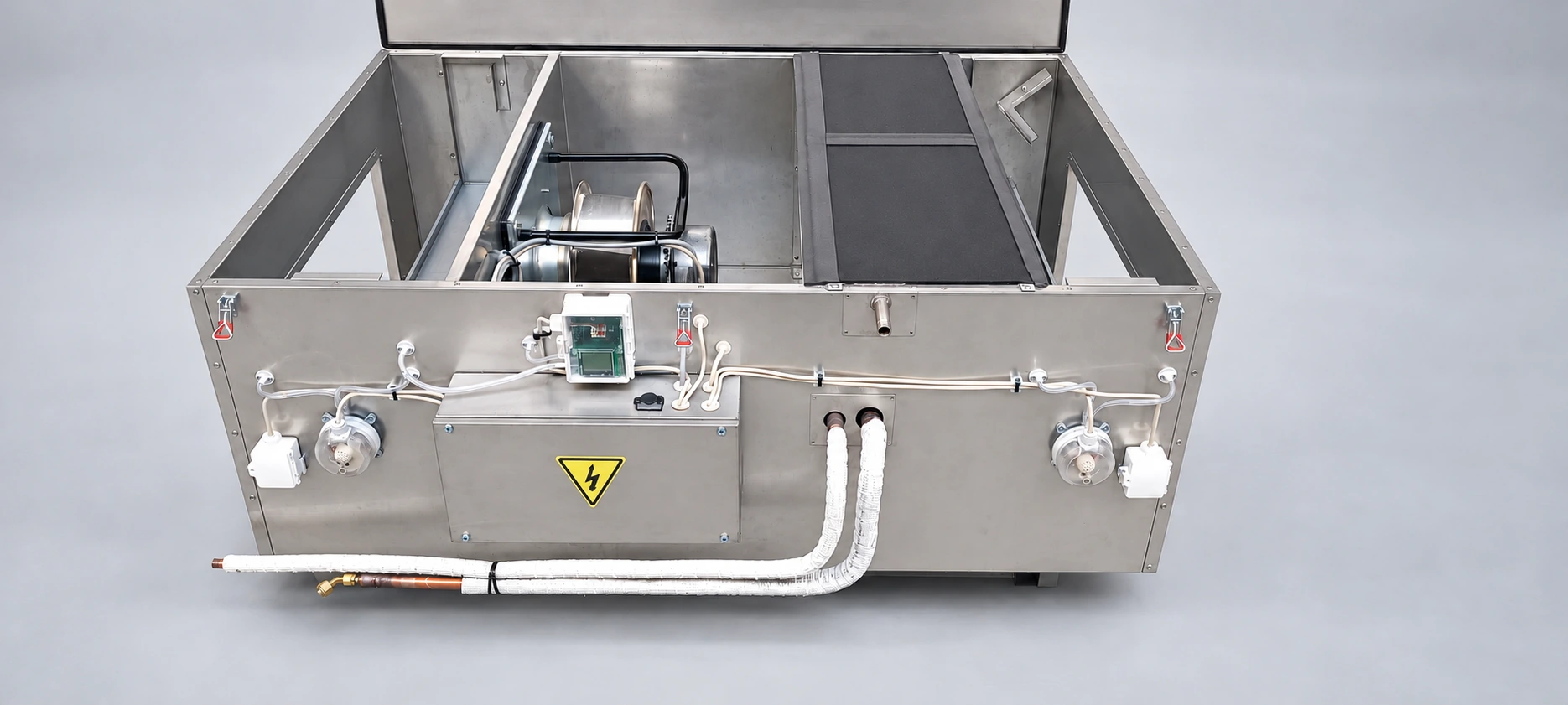
The fan section is clearly visible in the open unit. Airflow performance is matched to the planned system.
Actual configuration from the company’s ZDG-2000 archive; surroundings retouched. Configuration example, not a binding current production drawing.
A second original perspective shows the fan and coil side by side.
Unretouched interior of the same documented unit.
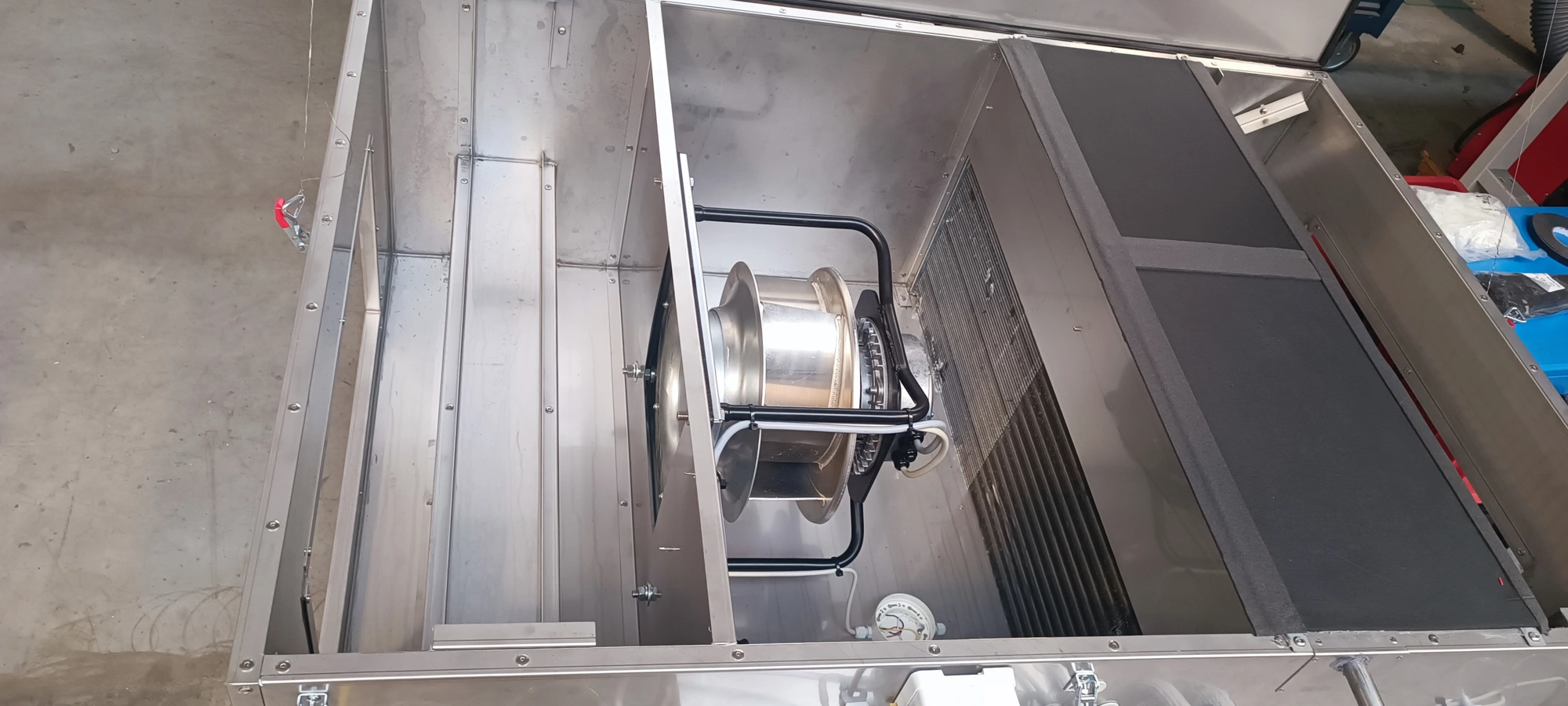
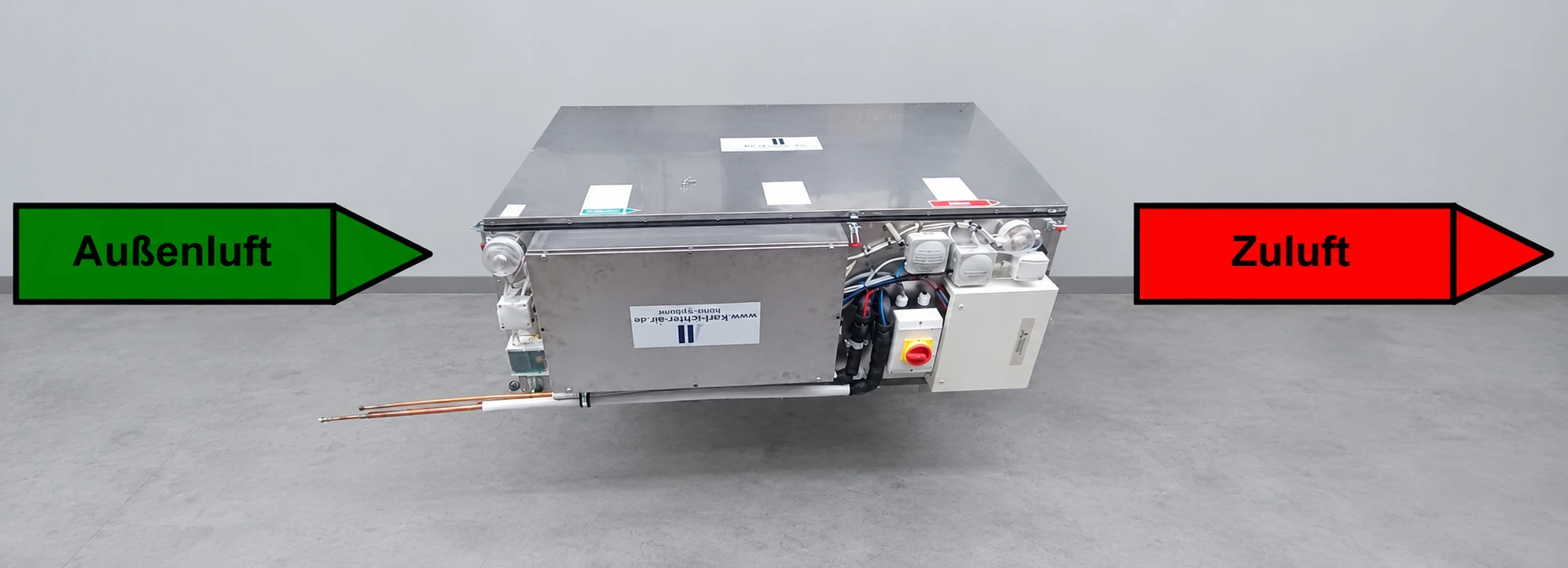
The actual installation view shows the space required and the accessible underside of the unit. In this view, the air path runs from back to front.
Installation photograph with retouched surroundings. Arrows illustrate direction; this is not a calculated airflow simulation. Inspection openings and maintenance areas are agreed for the configuration.
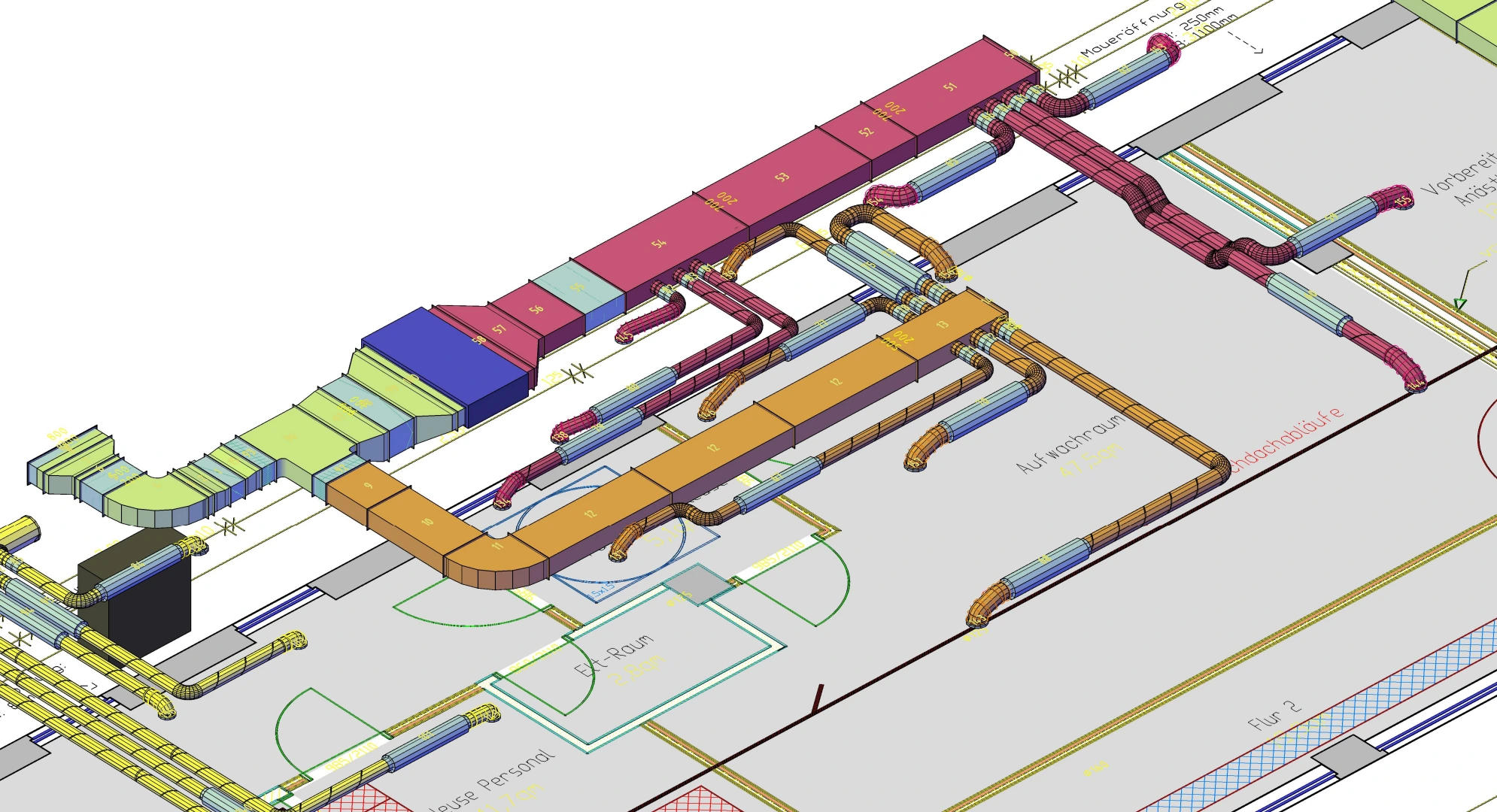
The actual project isometric drawing shows how a ceiling void unit and ductwork are integrated into room planning.
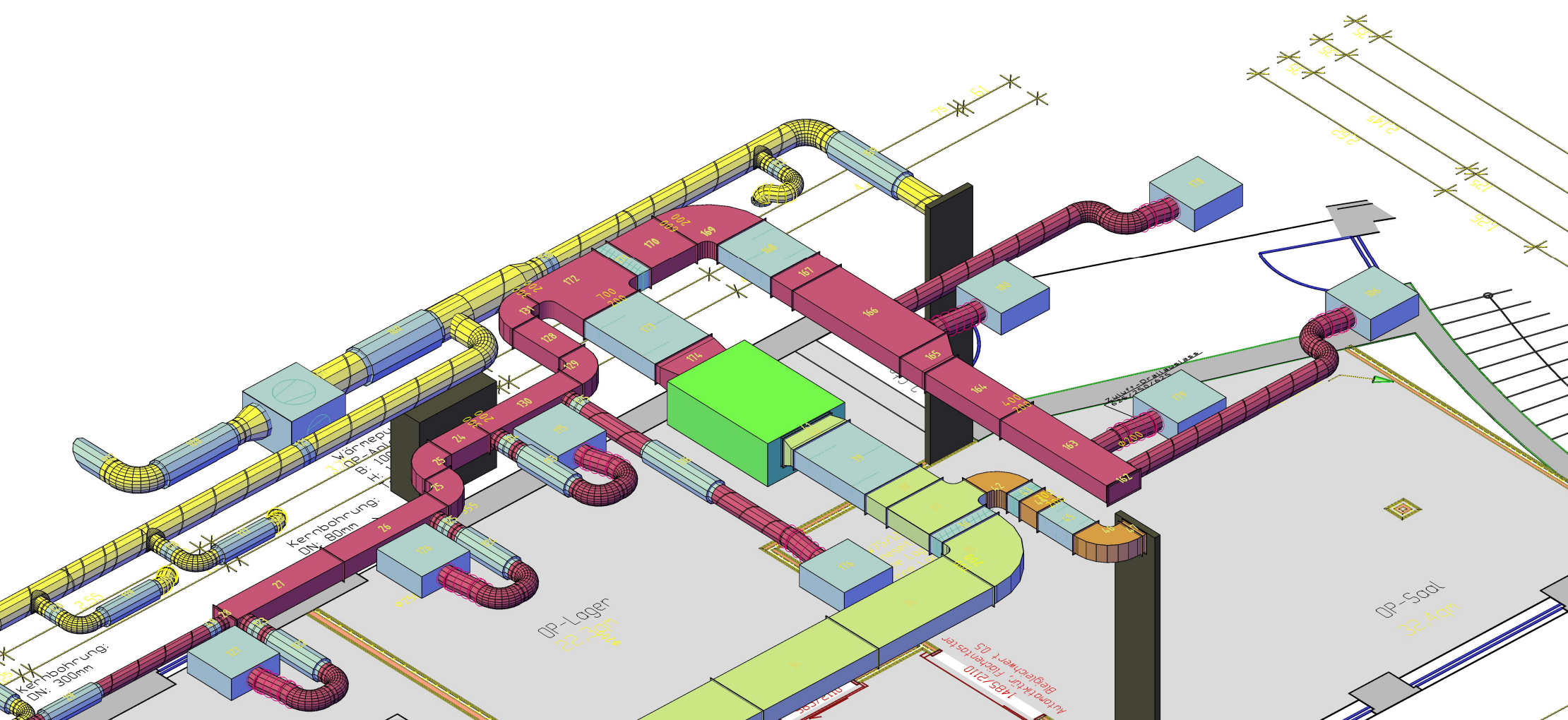
Connection view based on RA2000 documentation dated 23 February 2026, with edited surroundings.
Image and connection overview as PDF (German) ↓
The image and connection overview shows connection positions and an installation view. Binding dimensions, connections and maintenance areas are agreed for your configuration.
The floor plan, ceiling height and service access form the starting point for joint planning.
For all our systems, we develop the equipment and controls ourselves and write the software in-house. This allows us to tailor airflow rates, temperature control and operating modes to each system concept.
Space, air paths and installation conditions feed into the design. Planning and manufacturing work hand in hand.
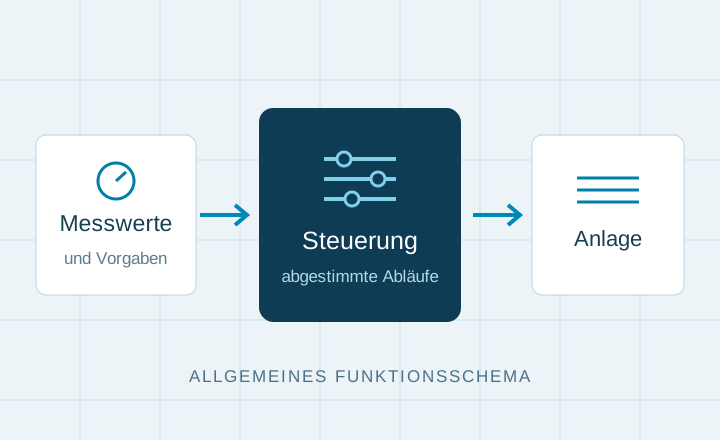
We develop the controls to suit the system, connecting measurements and setpoints with coordinated operating sequences.
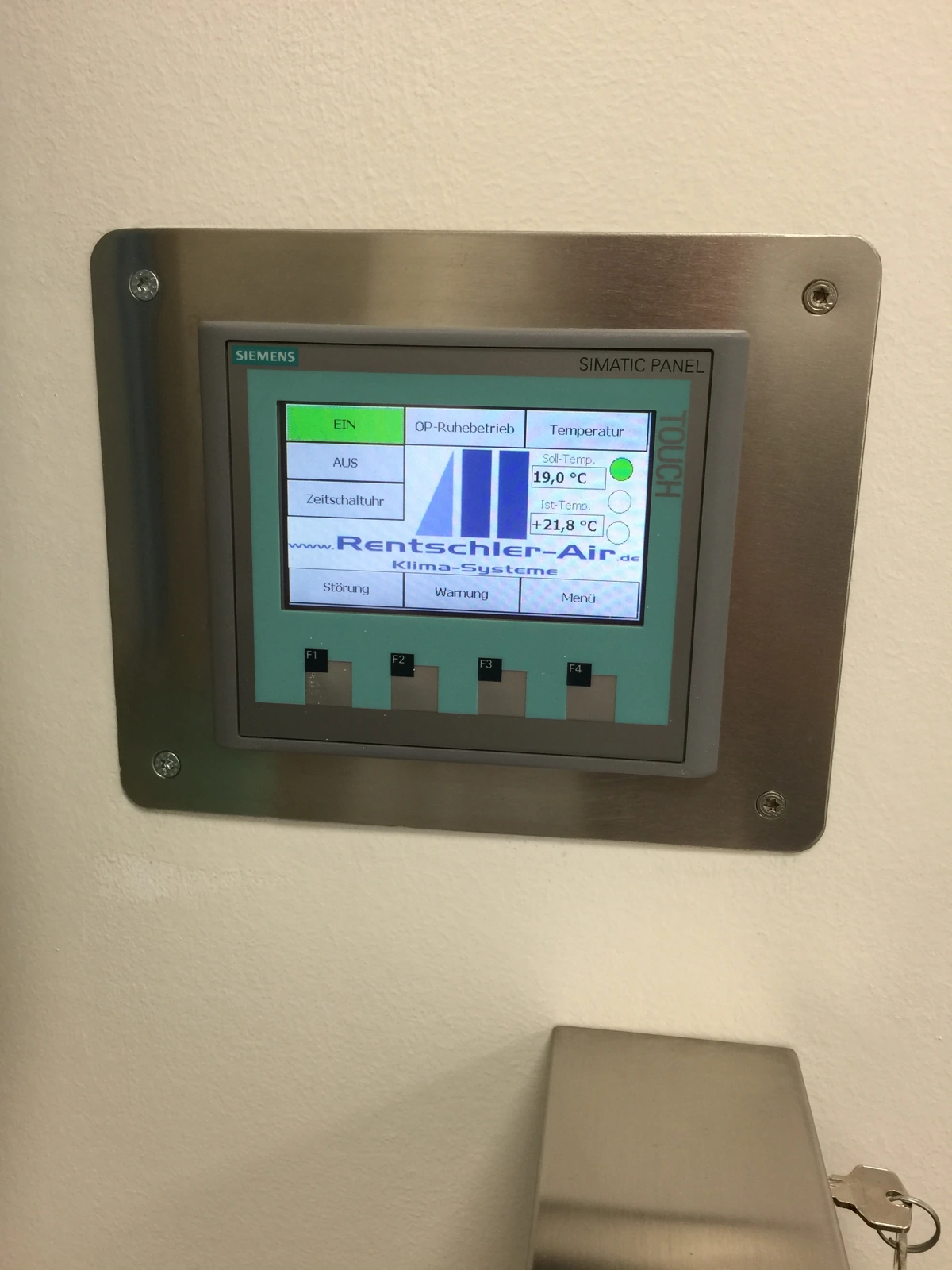
Software is developed in-house. Operation and operating modes are tailored to each system concept.